Sketching PDF - An Efficient and Convenient PDF Conversion Tool
In the context of digital office and learning, the processing of PDF files has always been a challenge faced by many users. Now, the team of the White Drawing App has launched a new "White Drawing PDF", providing users with a simple, efficient, and powerful PDF conversion tool that easily solves various processing needs of PDF files.
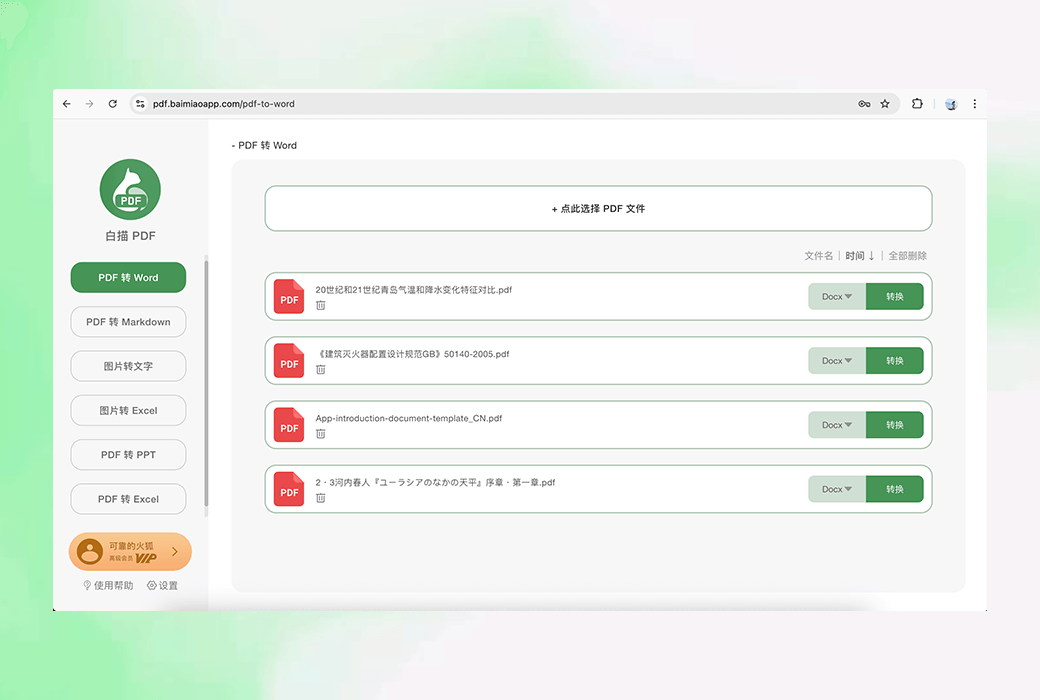
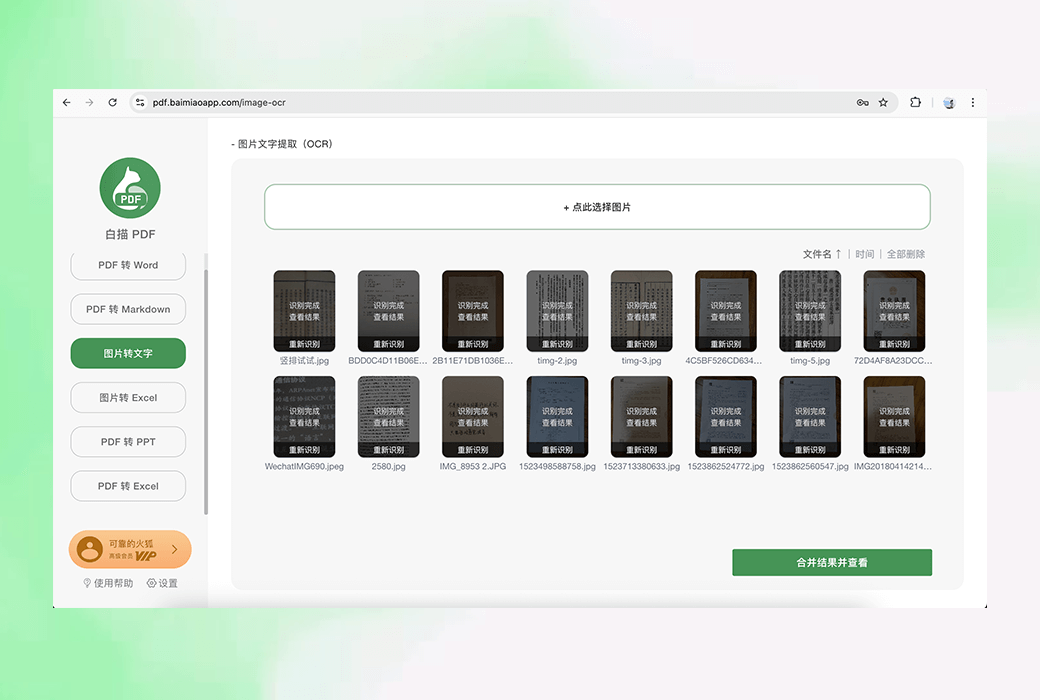
White drawn PDF is an online tool dedicated to PDF file conversion, presented in web format without the need to download or install any software. Users only need to access their official website through a browser https://pdf.baimiaoapp.com You can use its powerful conversion service anytime, anywhere. It supports multiple format conversions, including PDF to Word, PDF to Markdown, PDF to PPT, PDF to Excel, and image to text (OCR text recognition). Whether it is a formatted PDF file, a PDF composed of images, or a scanned PDF, line drawing PDF can easily handle it, quickly and accurately converting it into an editable document format.
Core functions
White line drawing PDF provides rich conversion options to meet the needs of different users:
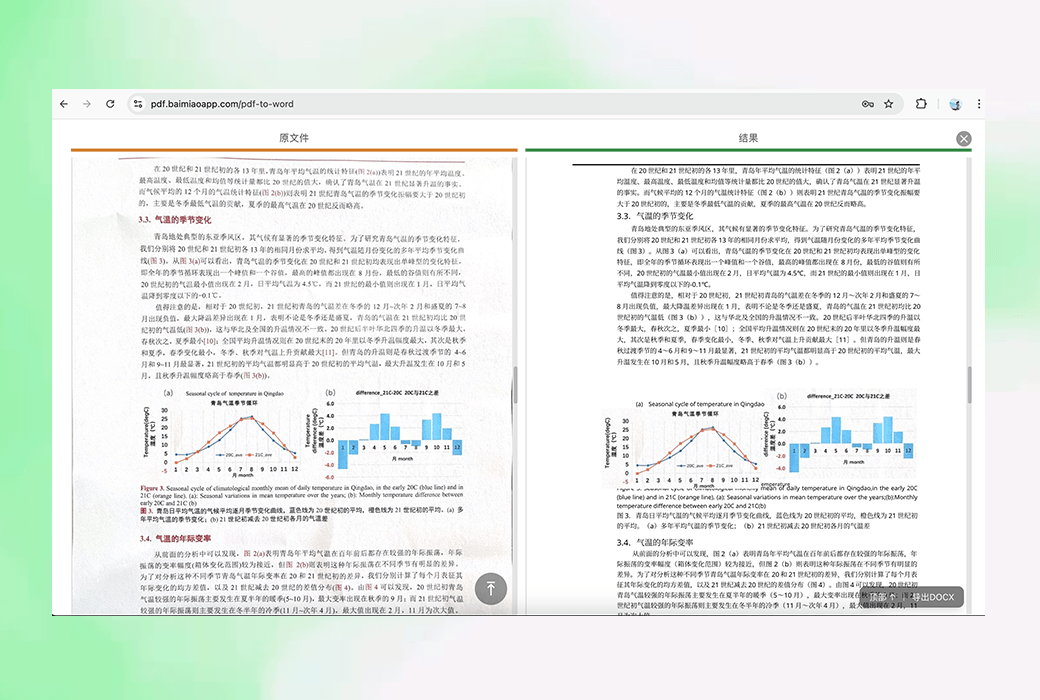
- PDF to Word:Supports converting formatted PDF files, PDFs composed of images, and PDFs in scanned form into formatted DOCX files with high format restoration, making it convenient for users to perform subsequent editing.
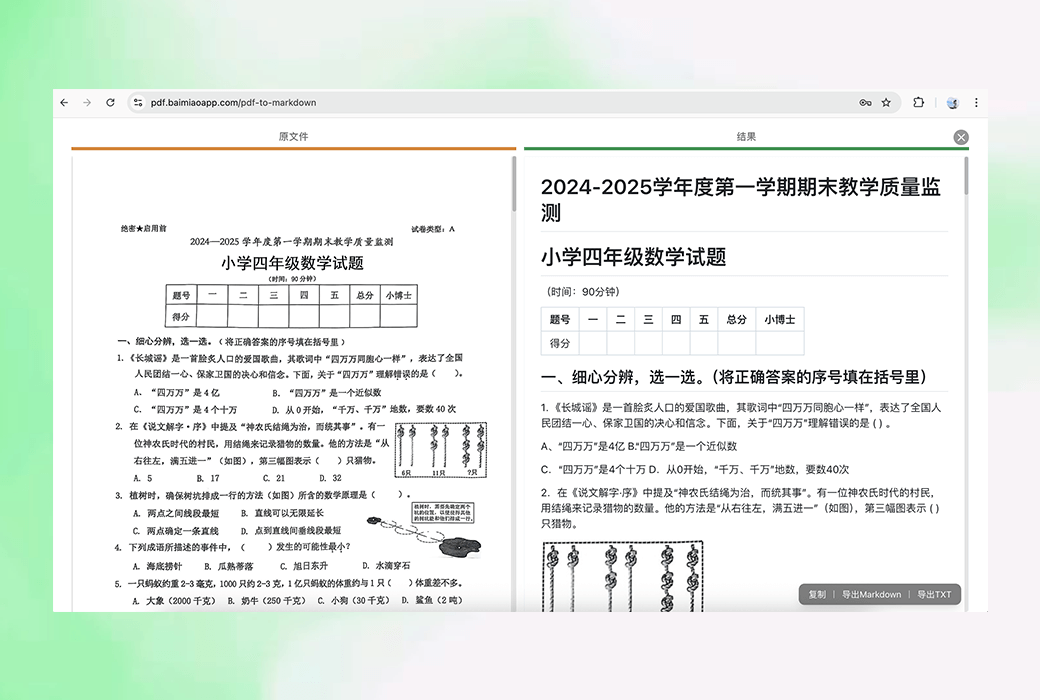
- PDF to Markdown:Convert PDF files to Markdown format, preserving the formatting structure of the original document for users to further process in the Markdown editor.
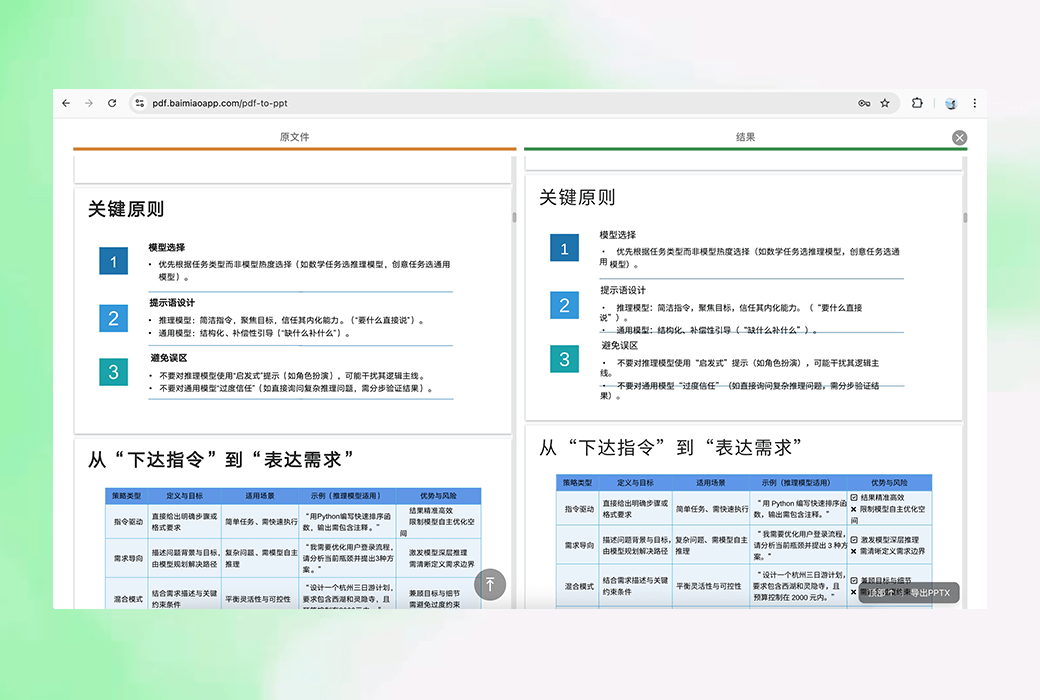
- PDF to PPT:Convert PDF files to PPTX format and restore them according to the original PDF page layout and format, making it convenient for users to create presentations.
- PDF to Excel:Support converting PDF table content to Excel format for convenient data analysis and processing by users.
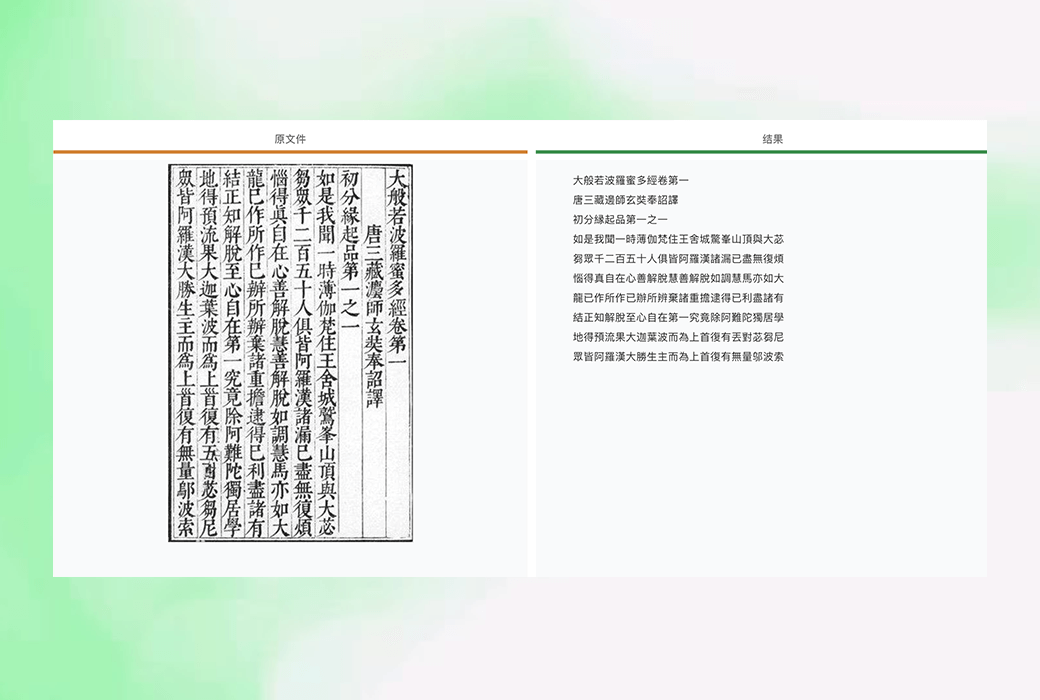
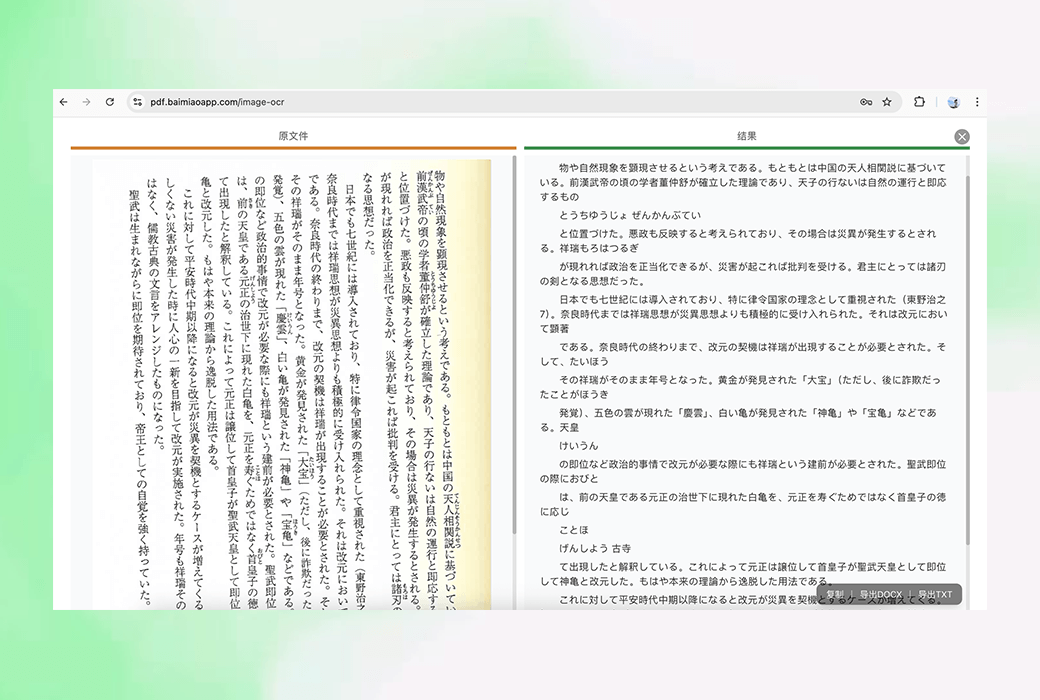
- Image to text (OCR):Supports text recognition in multiple image formats, including vertical Japanese, vertical traditional Chinese, and other special typesetting text. It has fast recognition speed and high accuracy, and can be converted in batches.
Concise and ad free
The interface design of the white drawn PDF is simple and refreshing, without any advertising interference, allowing users to focus on file conversion operations and enhance the user experience.
Member discounts
For users who are already members of the White Painting App, White Painting PDF offers a 50% discount for purchasing members. Users only need to click the yellow membership button below their nickname in the bottom left corner of the White Brush Web version to obtain a discount code for White Brush PDF and enjoy valuable membership services.
user's experience
The operation process of sketching PDF is extremely simple. Users only need to open the webpage, select the file to be converted, and click the conversion button to complete the operation. After the conversion is completed, users can preview the results, confirm their accuracy, and directly download the file. Both novice and professional users can easily get started and quickly complete file conversion tasks.
White drawn PDF has become a new star in the field of PDF processing due to its powerful features, simple interface, and efficient conversion speed. It not only meets the diverse file conversion needs of users, but also provides users with cost-effective services through membership discount activities. Whether students, professionals, or professionals, sketching PDFs is the best choice for processing PDF files.